PNG-1.png?width=120&height=31&name=AIPOWER%20LOGOPrimary%20logo%20(Colour)PNG-1.png)
1. Create a profile (you are here)
3. Set up your system to IntelliCharge
5. Start using the IntelliCharge platform
 You can always click the question mark in the top right corner to get help directly on the platform.
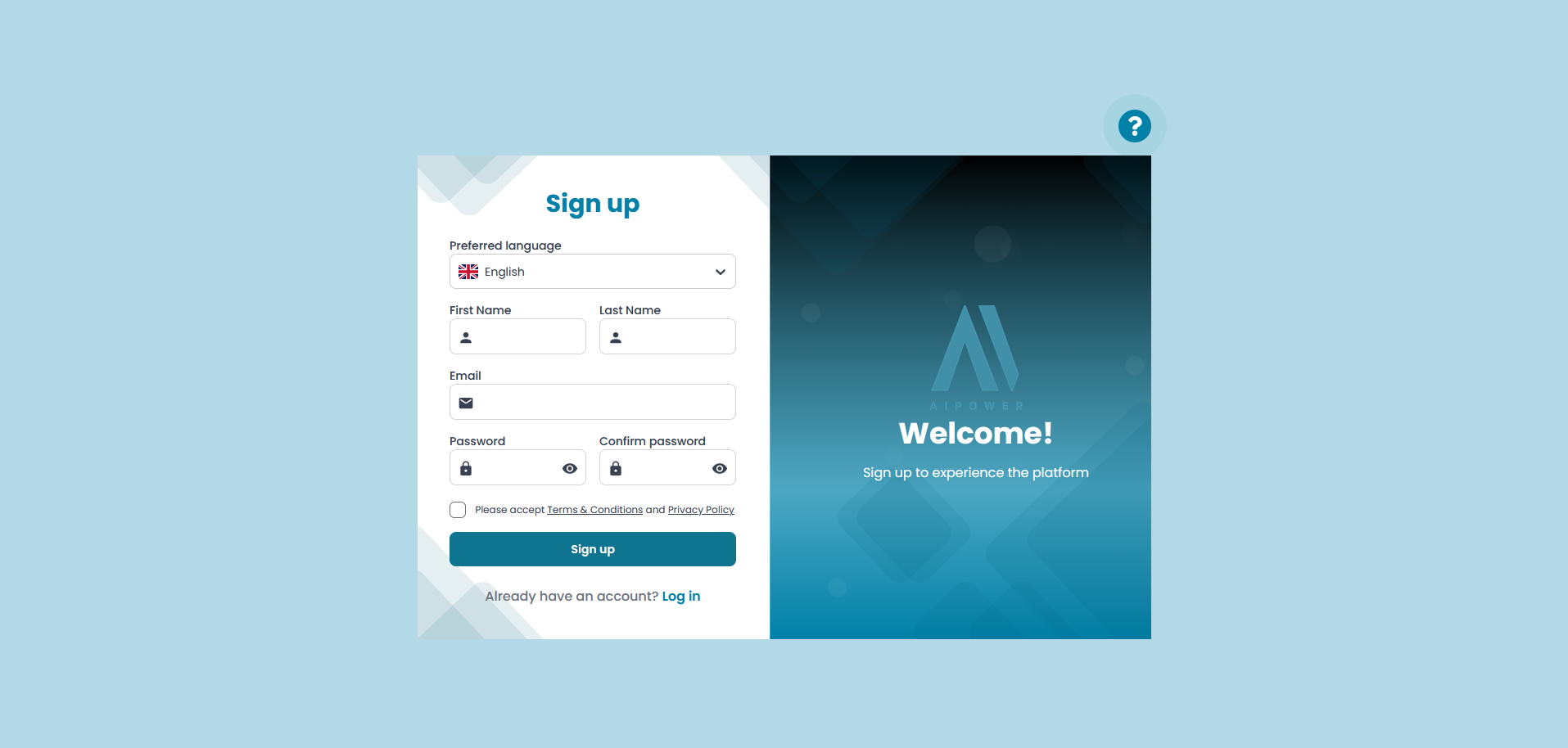
1.1. Go to the sign-up page
Fill in your first name, last name and email address, and create a password.
Read and accept the terms and conditions and the privacy policy. Then click "Sign up".
1.2. Confirm your email
Once you have signed up, we will send you a confirmation email.
If you have not received the email after a few minutes, you can click "Resend" and remember to check your spam or junk folder.
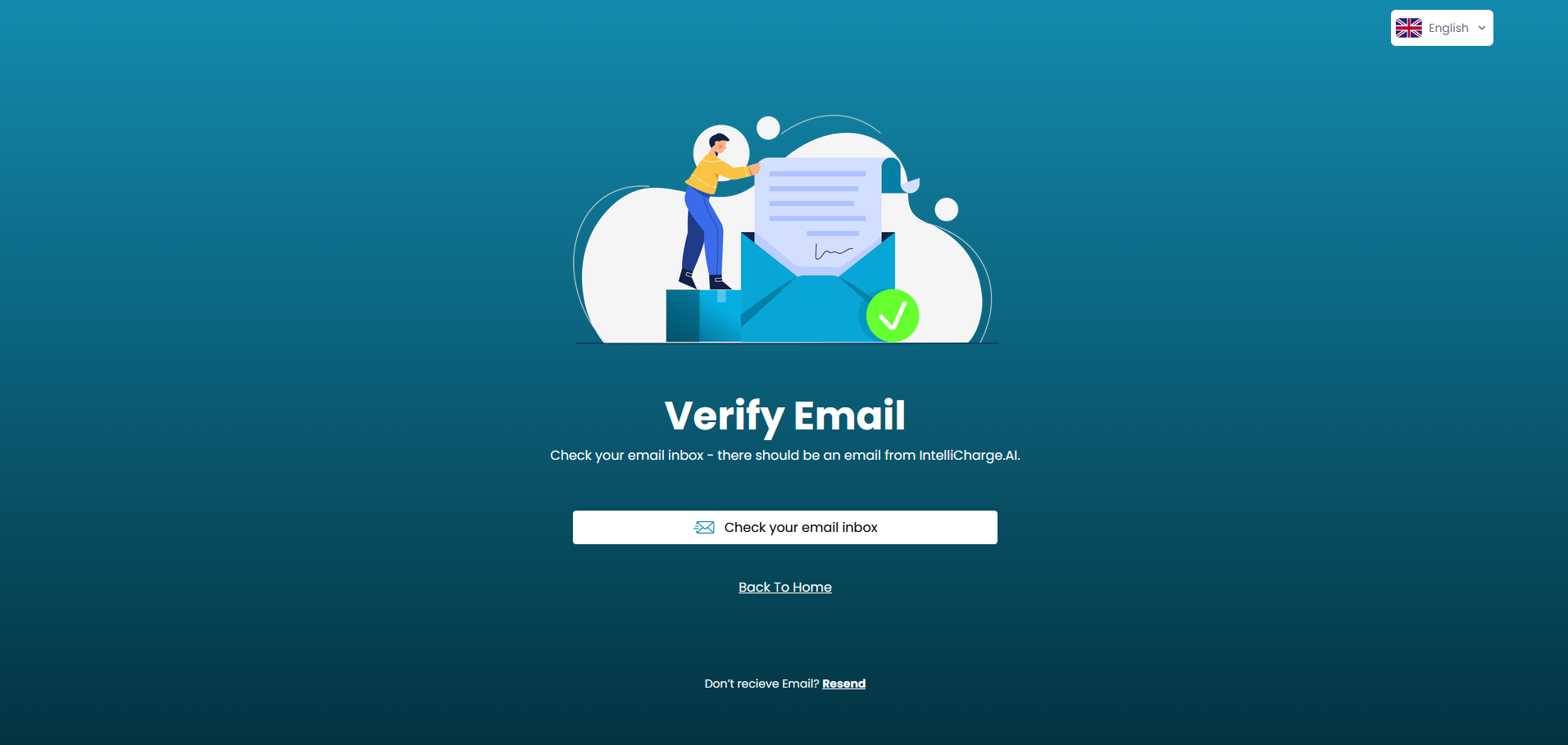
1.3. Confirm your account
Follow the link in the email to confirm your email address and complete your account registration. You will then be directed to the set-up of your system.