Here is how:
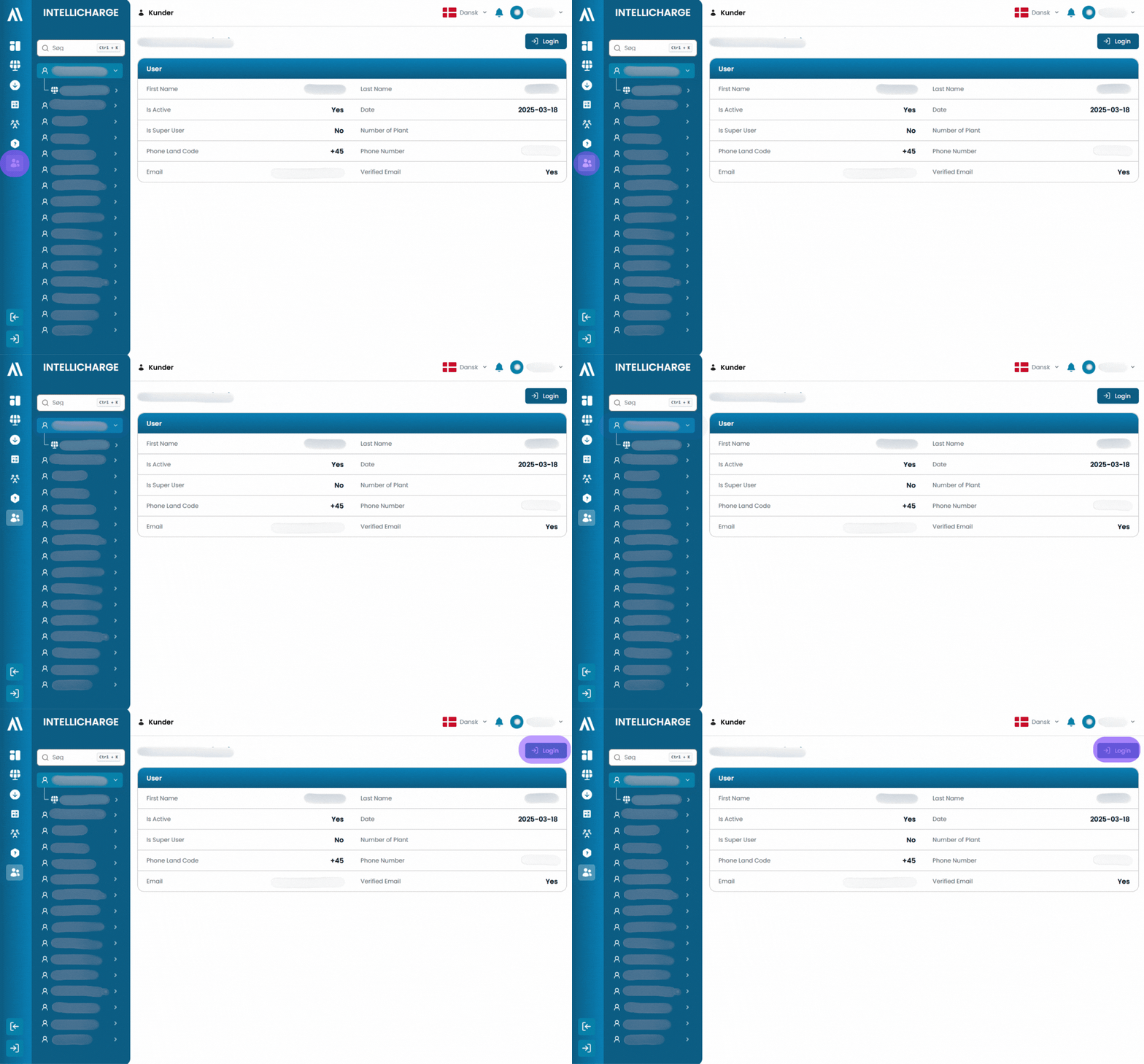
- Select "Customers" in the left-hand menu.
- Find and select the customer you want to view.
- Click "Login" in the top right corner.
You are now inside the customer's profile and can view their systems.
PNG-1.png?width=120&height=31&name=AIPOWER%20LOGOPrimary%20logo%20(Colour)PNG-1.png)
Here is how:
You are now inside the customer's profile and can view their systems.