PNG-1.png?width=120&height=31&name=AIPOWER%20LOGOPrimary%20logo%20(Colour)PNG-1.png)
2. Register your system (you are here)
3. Set up your system to IntelliCharge
5. Start using the IntelliCharge platform
 You can always click the question mark in the top right corner to get help directly on the platform.
2.1. Select setup method
You need to choose whether to set up your system yourself or have your installer do it for you.
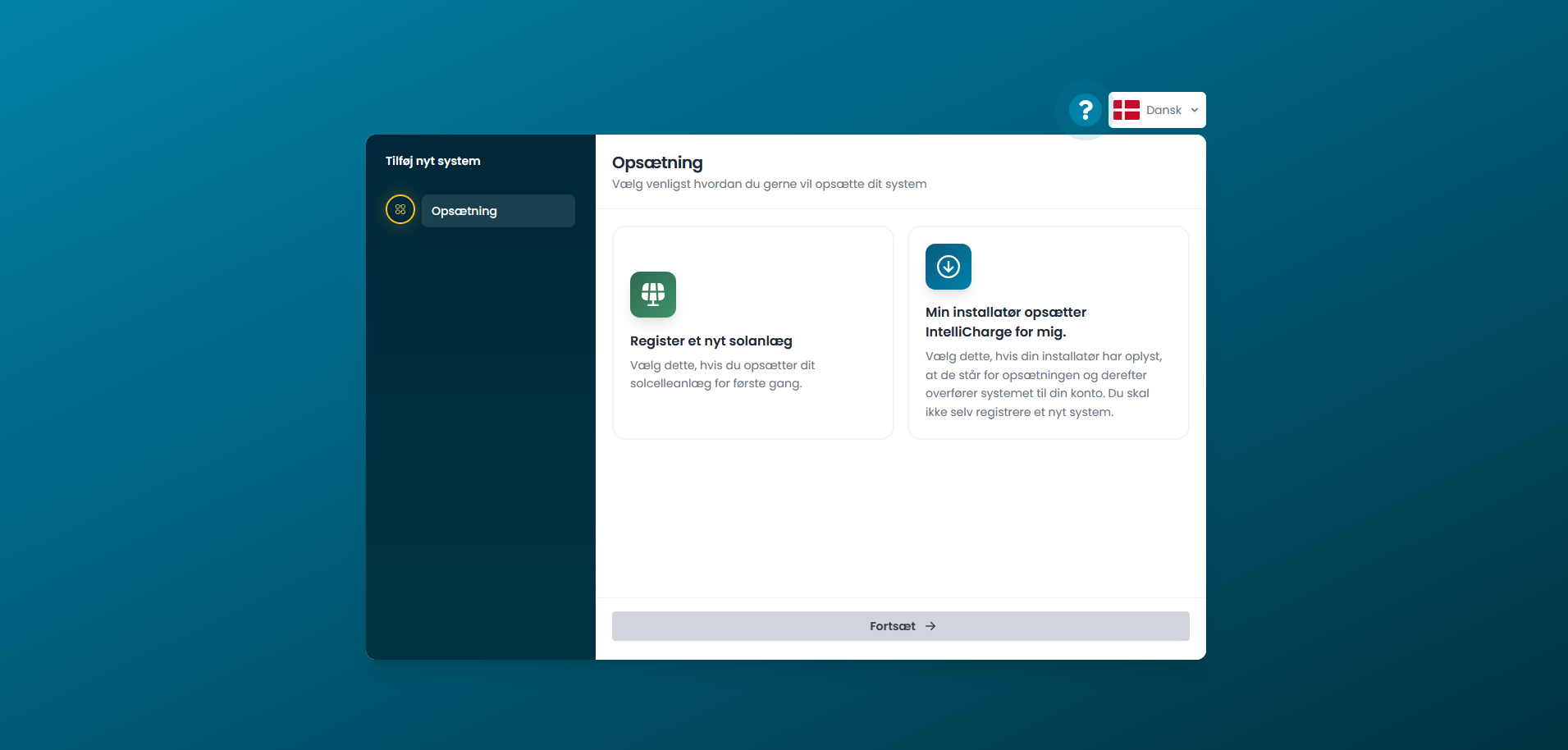
2.1.a. Register a new solar system
Select this option if you are going to set up your system yourself.
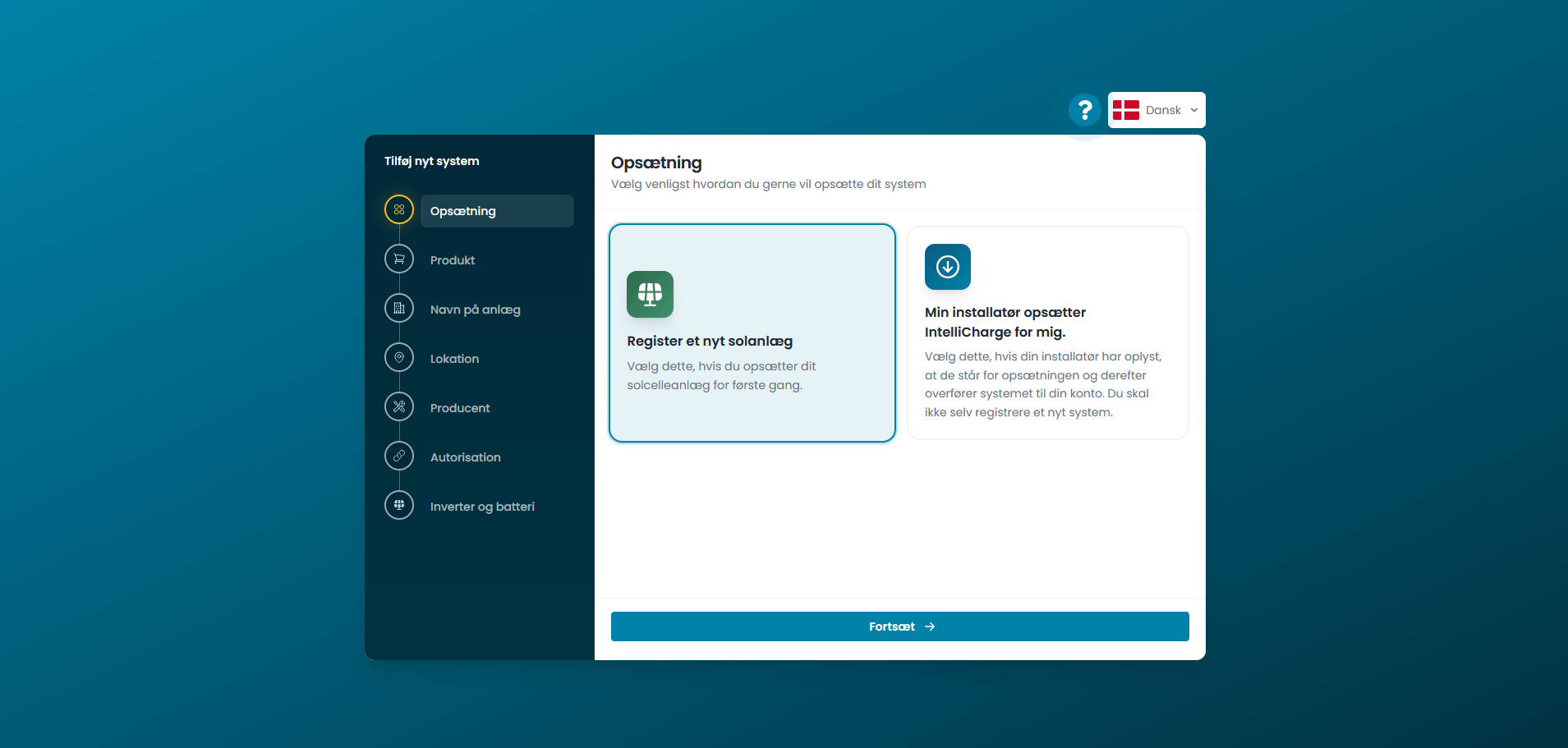
2.1.b. My installer is setting up my system
Select this option if your installer has already indicated that they will handle the system setup. They will transfer the system to your account, so you do not need to register a new system yourself.
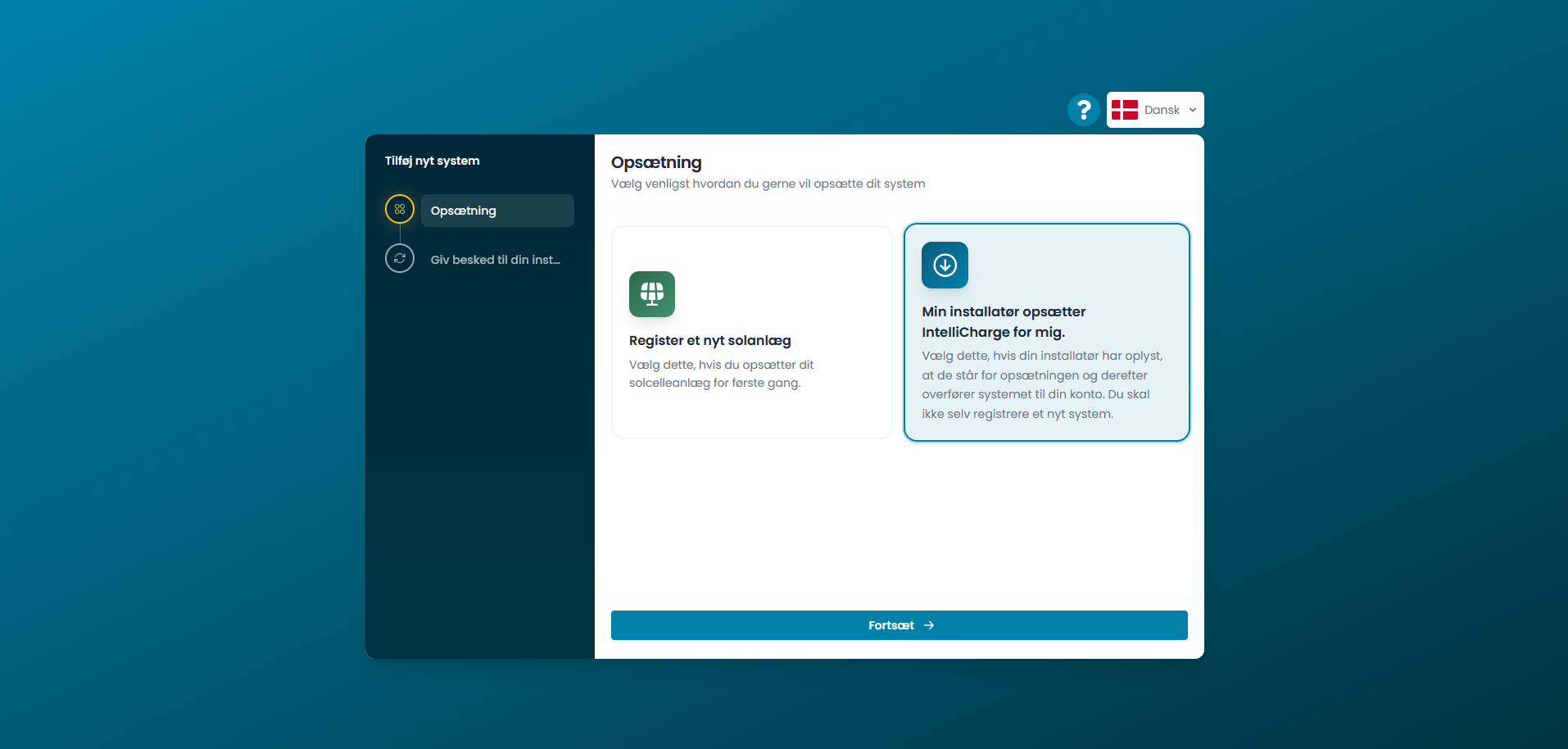
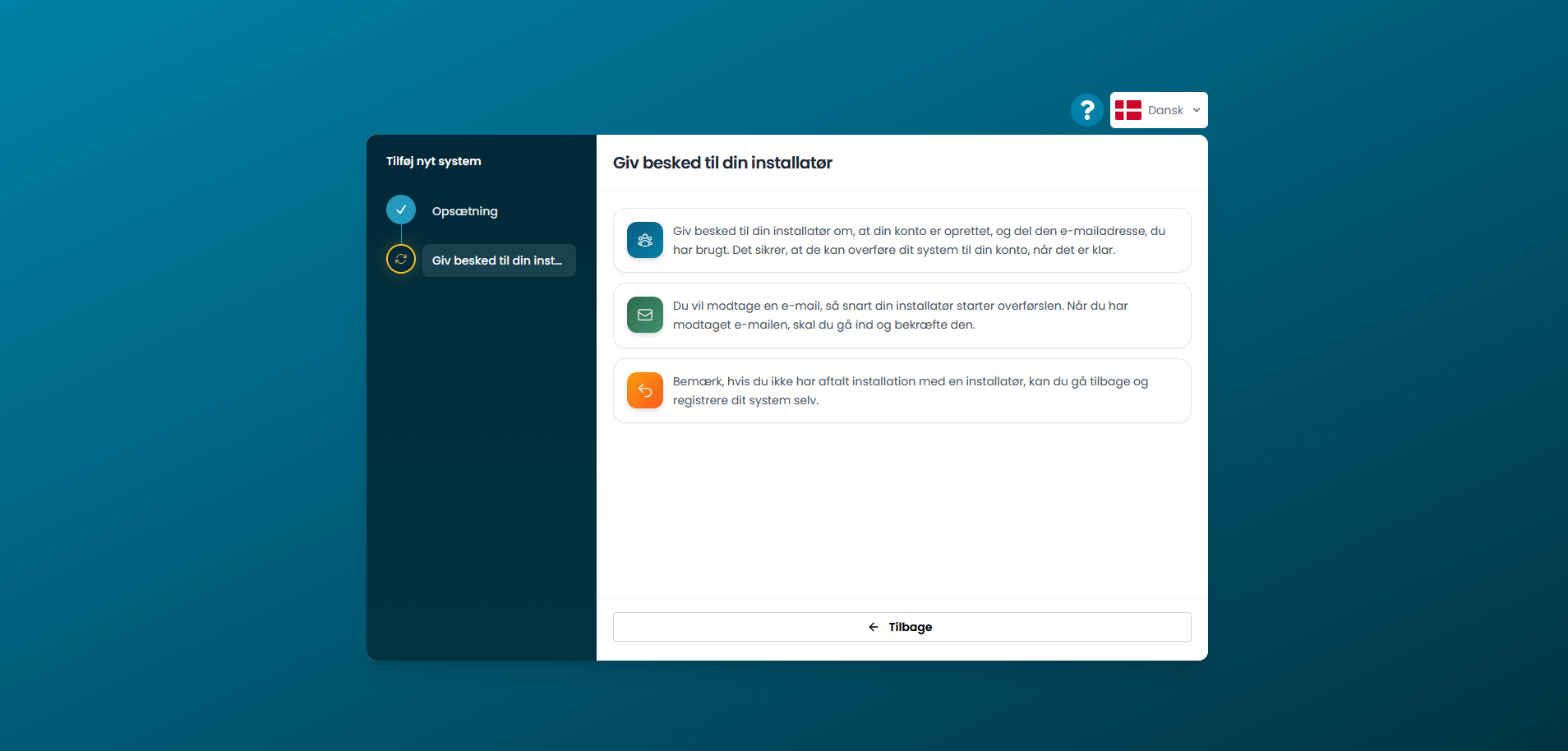
Inform your installer that you have created an account and share the email address used for your profile. When your installer initiates the system transfer, you will receive an email that you must confirm to complete the transfer of the system to you.
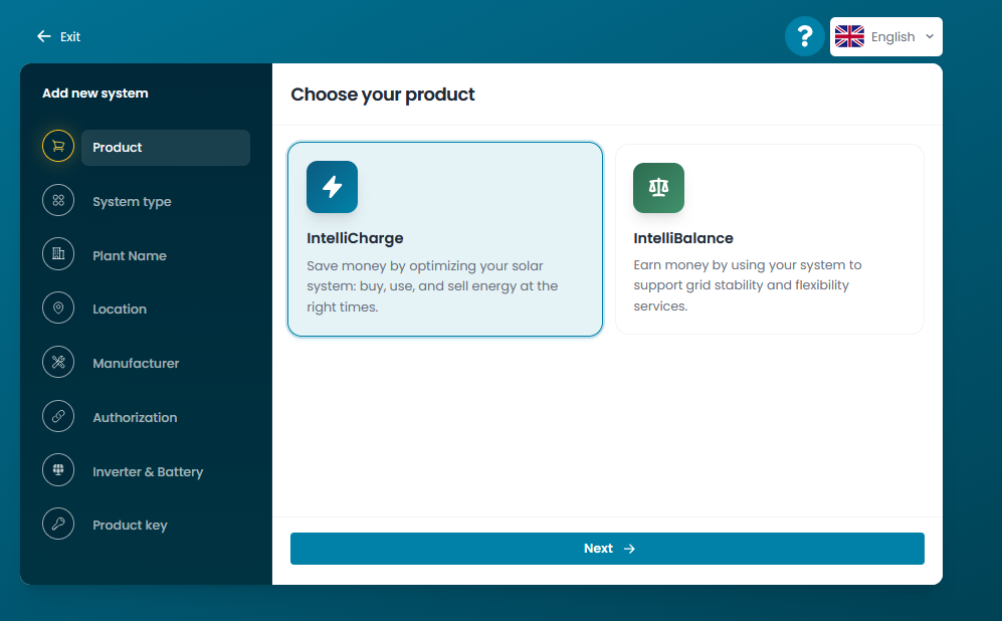
2.2. Select product
Select the product you wish to set up your system for.
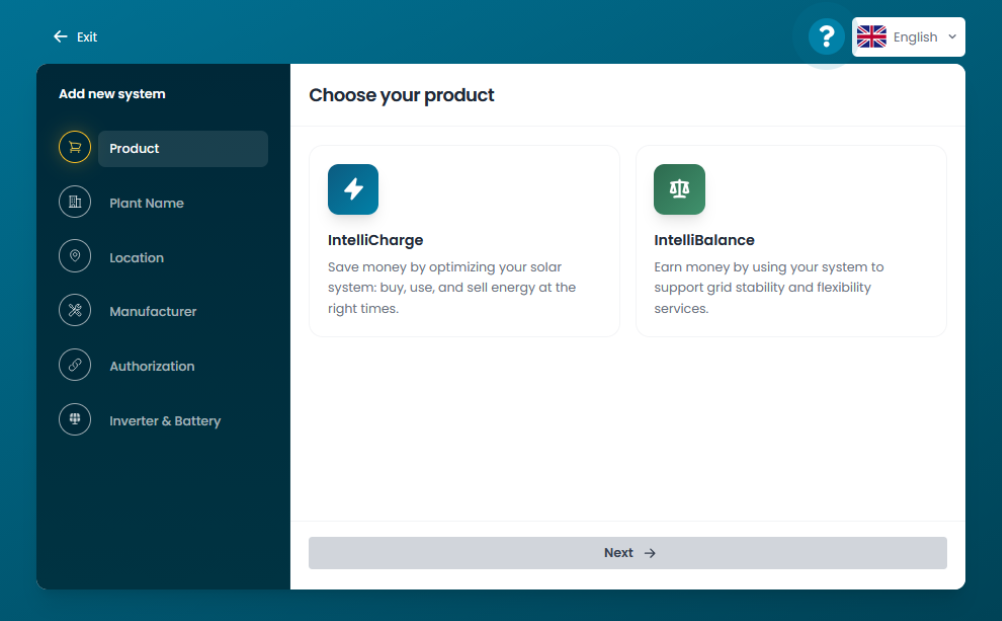
2.2.a. IntelliCharge
Save money by optimizing your system so that you buy, use, and sell energy at the right times.