PNG-1.png?width=120&height=31&name=AIPOWER%20LOGOPrimary%20logo%20(Colour)PNG-1.png)
3. Set up your system (you are here)
5. Start using the IntelliCharge platform
 You can always click the question mark in the top right corner to get help directly on the platform.
3.1. Select your system type
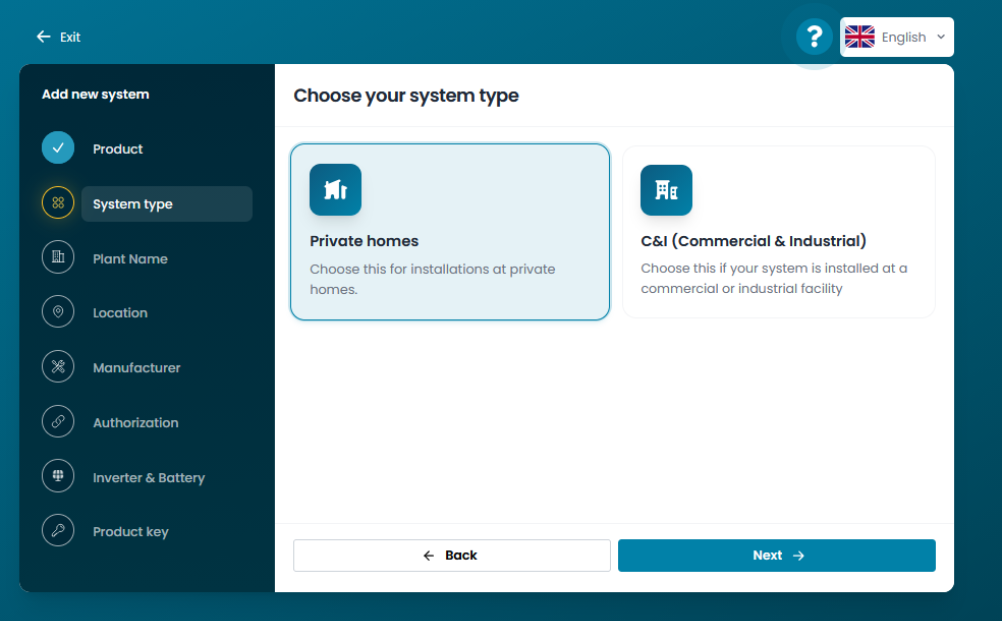 Select the system type that matches your system.
3.1.a. Private home
Select this type if the system you are setting up is for your private home.
3.1.b. C&I (Commercial and Industrial)
Select this type if the system you are setting up is at a commercial or industrial facility.
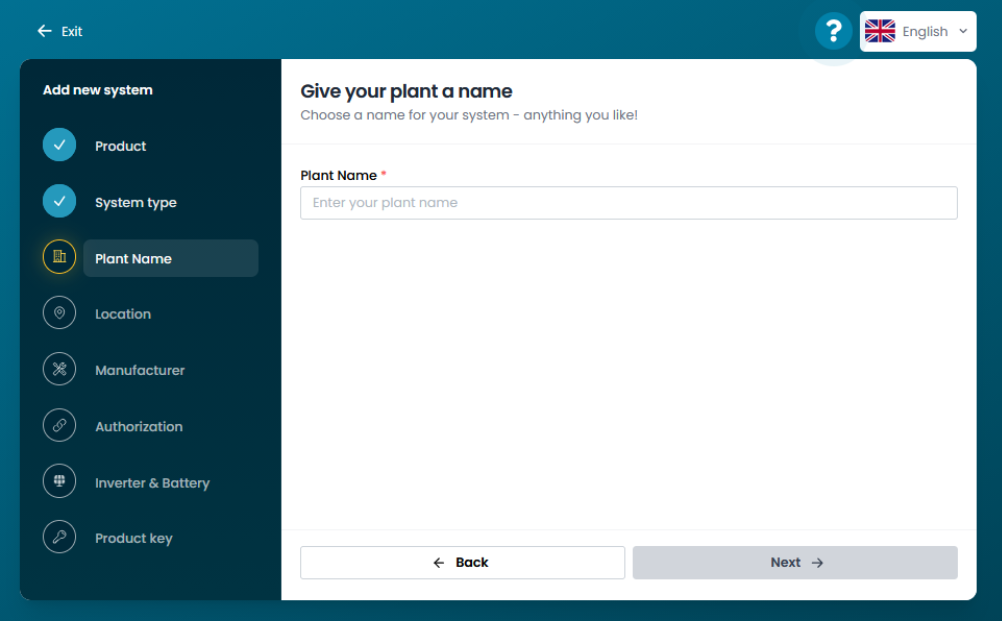
3.2. Name your system
You can choose any name you like for your system; however, it must be at least 5 characters long. For example, it could be your address or a name that makes it easy to identify the system if you have multiple systems linked to your account.
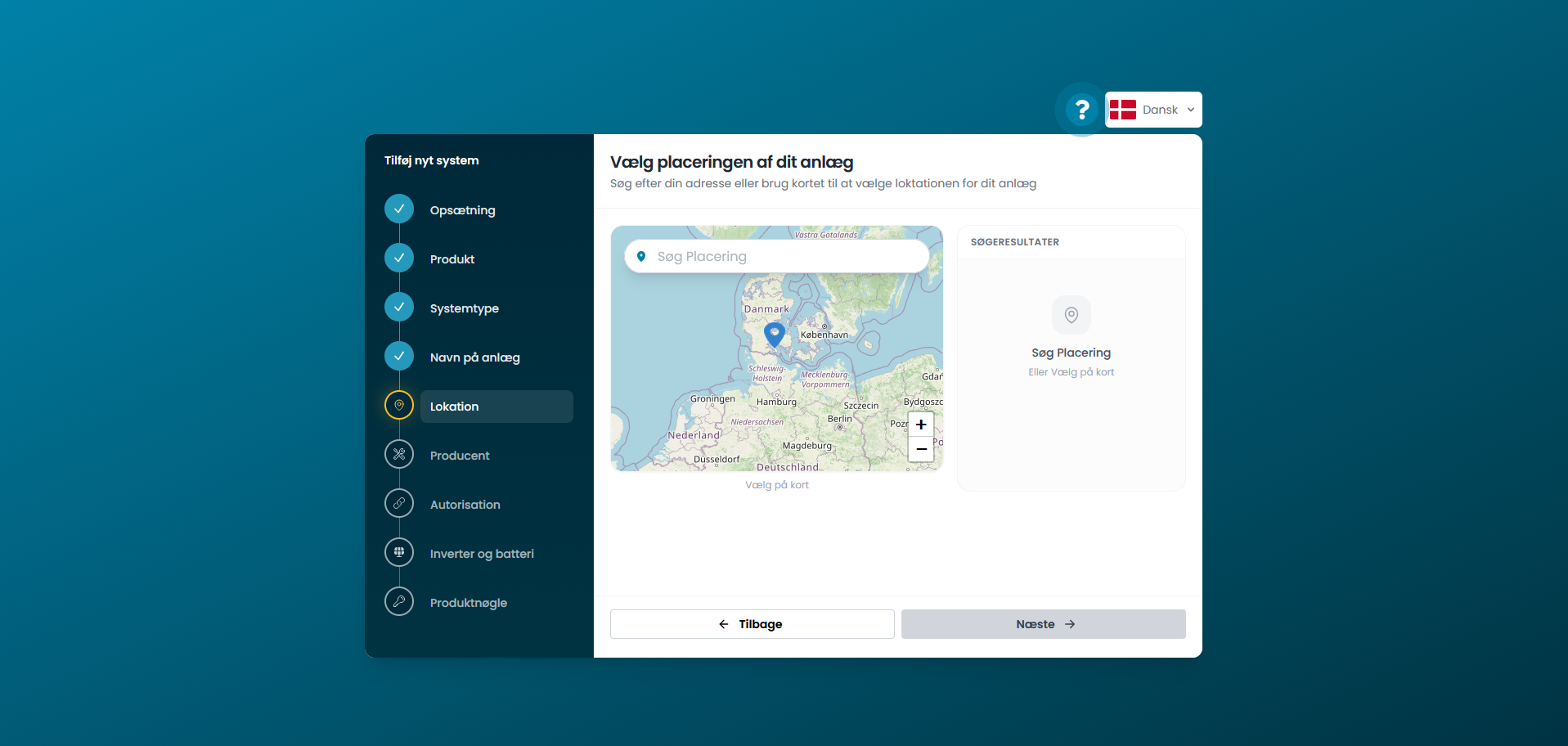
3.3. Select your system's location
Search for your address in the search field or use the map to select the location for your system. The location is used to access weather and production data, among other things.
Next step
Click on your inverter brand below, to go to the guide for connecting your system.